Cameras
The cameras you already have, almost certainly.
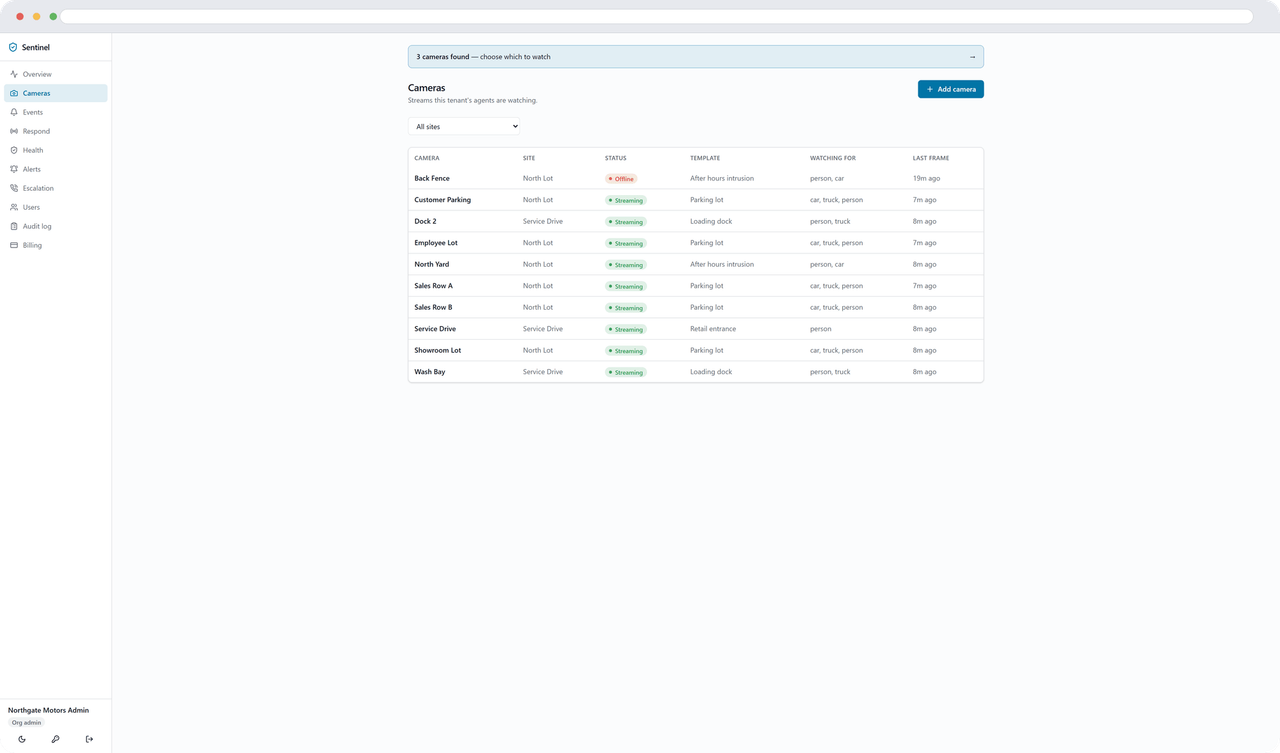
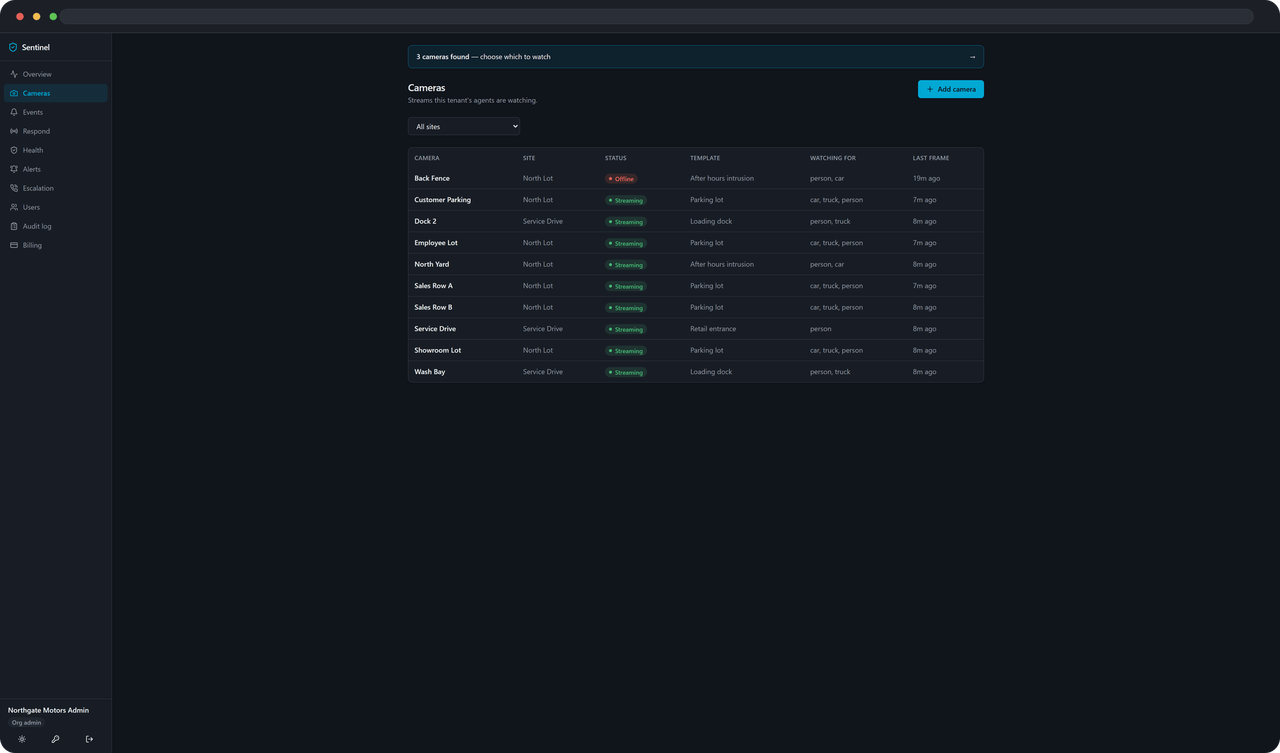
Sentinel needs one thing from a camera: a stream it can open on your own network. UniFi Protect is discovered for you. Anything that speaks ONVIF is found on the network. Anything with an RTSP URL is added from the panel in about a minute.
The cameras that do not work are the cloud-only ones, and they are named further down this page rather than buried in a footnote.
Type a brand, a model, or “ONVIF” if that’s all you know. The full lists are below if you’d rather read them.
Three ways in
Discovered, found, or pasted
Discovered. Give the agent a UniFi Protect controller and an API key and it reads the whole console: every camera, its model, and whether it is connected.
Found. For everything else the agent sends an ONVIF probe across the network, asks each device what streams it offers, and picks the one nearest 720p. That is what most non-UniFi cameras and recorders speak, including a lot of white-label PoE hardware.
Pasted. Or you type it in. Pick the brand, give the camera’s address and a username and password, and the panel builds the RTSP URL for you. Or paste a URL you already have.
For whoever signs it off
What your IT person needs to approve
- Nothing inbound. No port forwarding, no VPN, no firewall rule to open.
- One outbound HTTPS destination, on port 443.
- That is the whole change.
The agent runs as a Windows service or a systemd unit on one always-on machine, reaches your cameras on their RTSP port over the local network, and talks to exactly one destination on the internet. The PDF sets out the ports, the data that leaves the site, how credentials are held and what is written to the audit log — the things a change ticket asks for.
The one-pager
Everything above, on a single sheet, in the words a network administrator wants them in. Attach it to the ticket.
Download the one-pagerUniFi Protect
If you have a Protect controller, this part is easy
The API key
Generate one in the Protect console — gear, then Control Plane, then Integrations — and give it to the agent along with the controller’s address. That is the whole setup.
RTSPS, per camera
Protect keeps the RTSP switch on each individual camera, and it ships off. The agent turns it on for any camera that needs it, and takes a lower-resolution stream rather than the 4K one.
Tokens that rotate
A Protect stream URL carries a token that changes whenever RTSP is toggled. The agent re-syncs every fifteen minutes, so a rotated token repairs itself instead of becoming a dead camera nobody noticed.
One thing to get right on any camera
Use the substream. The model resizes every frame to 640 pixels wide before it looks at it, so a 4K feed is decode cost bought for nothing — nine of them once starved a sixteen-core desktop into 30-second stream timeouts. Most cameras expose the substream on a second RTSP path or a subtype=1 / stream=1 parameter, usually under Network → RTSP in the camera’s own web page. Around 1280×720 at 10–15fps is the sweet spot.
The lists, in full
Works, probably works, and doesn’t
The same answers the checker gives, written out — so you can read them without JavaScript, and send someone a link to the bit that matters.
- UniFi Protectauto-discovered
- Auto-discovered from the Protect controller, and re-synced every 15 minutes so a rotated RTSP token repairs itself.
- Hikvision
- RTSP, or discovered over ONVIF.
- Dahua
- RTSP, or discovered over ONVIF.
- Reolink
- RTSP, or discovered over ONVIF.
- Amcrest
- RTSP, or discovered over ONVIF.
- Axis
- RTSP, or discovered over ONVIF.
- Uniview
- RTSP, or discovered over ONVIF.
- Any ONVIF camera or NVR
- The agent scans the network and reads the stream URI off the device.
- Any camera with an RTSP URL
- Paste the URL and Sentinel does the rest. Use the substream if the camera offers one.
These are the brands people ask us about that we have not put in front of the agent ourselves: Lorex, Swann, Annke, Hanwha (Wisenet), Vivotek, Bosch. We are not going to claim them.
The answer for each is the same, and it is the answer for any camera not on the list above: if it can give you an RTSP stream, or its manual mentions ONVIF, Sentinel can use it. Look in the camera’s own web page under Network → RTSP, or Network → Advanced. If there is a path there, you have what you need.
An ONVIF-compliant recorder counts too — Sentinel reads the per-channel streams it publishes and the cameras behind it are never touched.
- Ring
- Cloud-only. No local stream.
- Nest
- Cloud-only. No local stream.
- Arlo
- Cloud-only. No local stream.
- Blink
- Cloud-only. No local stream.
- Wyze
- Cloud-only unless it is running third-party firmware that enables RTSP.
These are cloud-only by design: there is no stream on the camera itself, only the vendor’s own cloud. No local stream, nothing for Sentinel to analyse.
The same rule catches the rest. If a camera’s spec sheet or manual does not mention RTSP or ONVIF — eufy and SimpliSafe are the two we get asked about most — assume it belongs here until you have confirmed otherwise.
Questions we get before anyone signs anything
Do I have to replace my cameras?
What if I do not know what brand they are?
Does it work with an NVR or a DVR?
Do you need a port opened on my firewall?
Why does it want the substream rather than the full-resolution one?
Do my camera passwords end up at Sentinel?
Can I test one camera before I commit to it?
What about Ring, Nest, Arlo or Blink?
Still not sure?
Tell us the model, or send a photo of the label on the camera. If it cannot give a local stream we will say so, and you will not have spent anything finding out.