How it works
A small agent at your site. A control plane in the cloud. Nothing inbound.
That is the whole architecture, and it is why an IT person can approve this in one sentence. The agent opens the camera streams you choose on your own network and runs detection there. What goes up is events — never the video.
No VPN. No port forwarding. No inbound firewall rule.
The shape of it
One connection, and it goes out
The same five steps are listed in full beside this diagram.
- Your cameras stay where they are. The agent opens their streams over your own LAN — a UniFi Protect controller, an ONVIF camera, an NVR, or an RTSP URL you paste in. It forces TCP, because most generic cameras default to UDP and a lossy hop turns that into torn frames rather than a stream that visibly drops.
- Detection runs at the site. One always-on Windows or Linux box decodes the frames and runs the model on them. A CPU works; the agent uses an NVIDIA GPU if the machine has one, and it logs which device it chose at startup so nobody has to guess.
- It connects out, over HTTPS. Port 443, the same connection a browser makes. Up go events, a snapshot, a short clip and a heartbeat. Full-resolution footage stays on the premises.
- Nothing connects in. There is no inbound port, no VPN and no firewall rule to open. If the link drops, events queue on disk at the site and replay when it comes back — they are only deleted once the cloud has acknowledged them.
- You get told. Sentinel turns the event into an email or a webhook, and into a row in the panel: the feed, the health page, and your own Respond queue.
Discovery
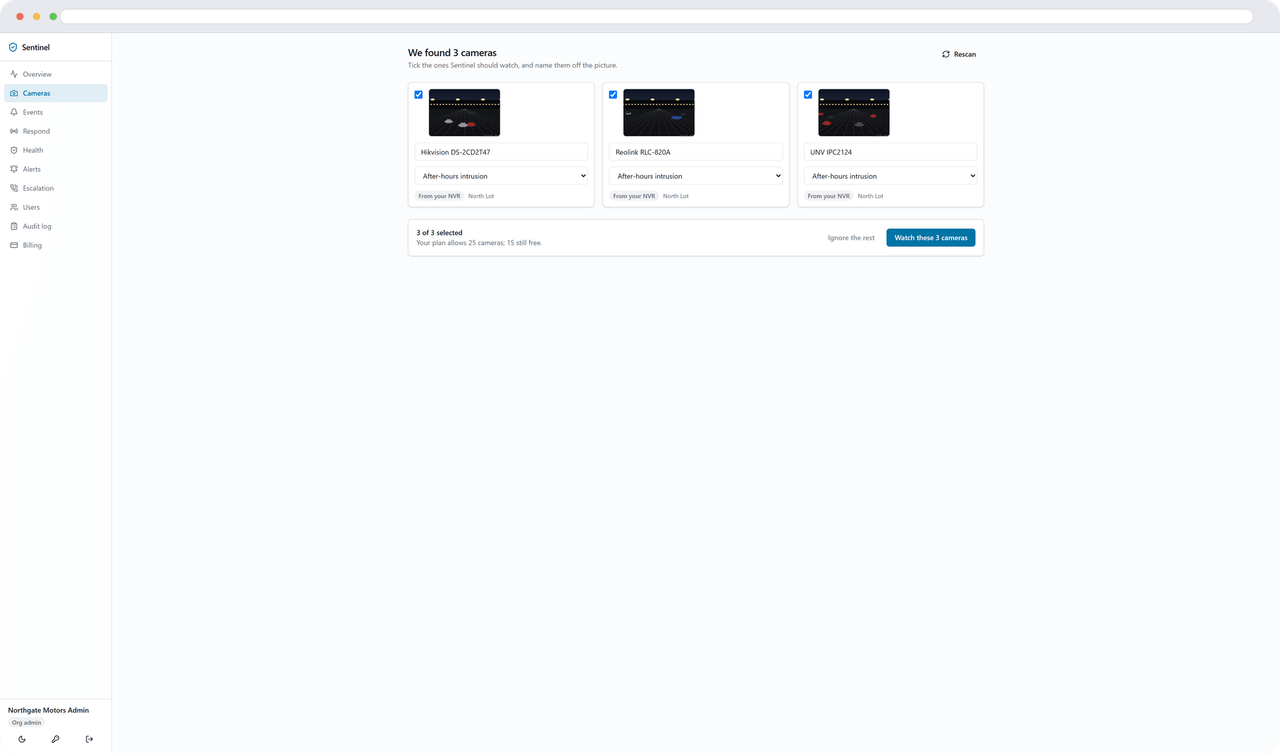
You pick the cameras off a picture
Point the agent at a UniFi Protect controller with an API key and it lists every camera the console has, turns RTSPS on for any that has it off, and re-syncs every fifteen minutes — so a rotated token repairs itself before anyone notices.
For everything else it multicasts an ONVIF probe, asks each device what streams it offers, and takes the one nearest 720p. Never the 4K main stream: the model resizes every frame to 640px anyway, so a 4K feed is decode cost bought for nothing.
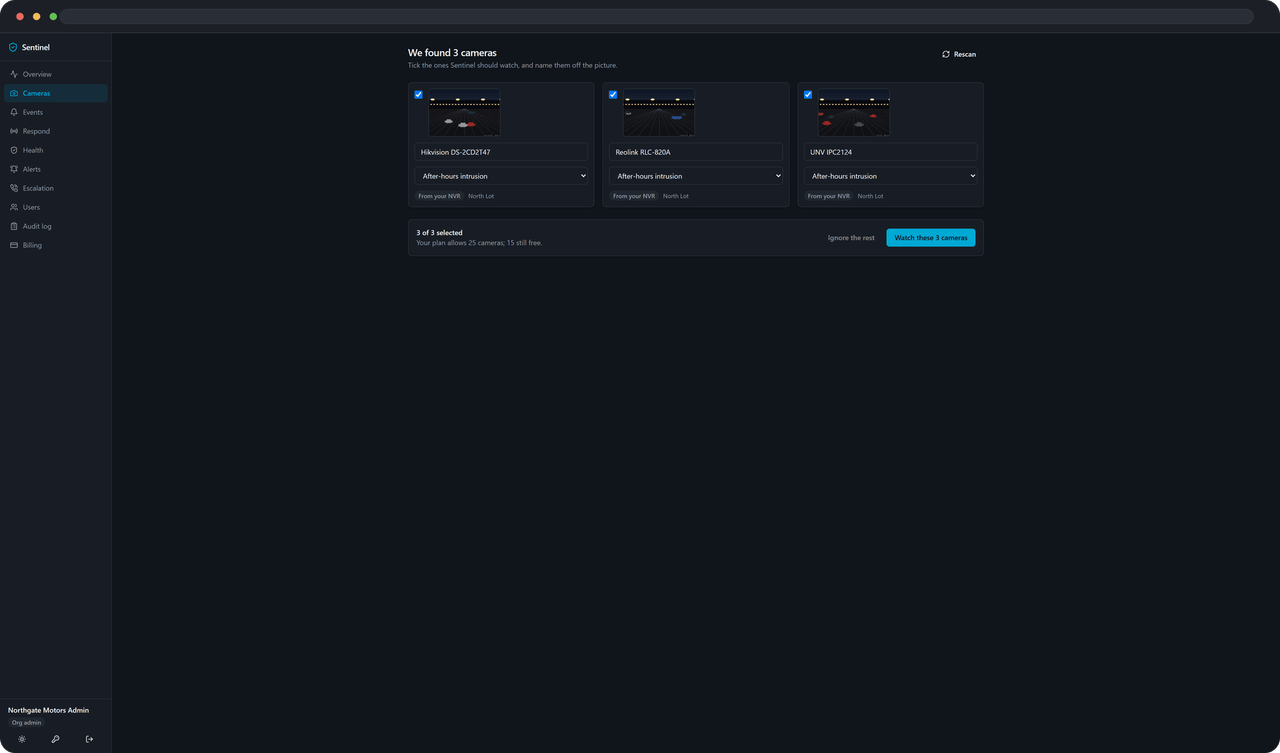
Whatever it finds arrives pending, with a thumbnail. Nothing streams and nothing is billed until someone ticks it. You name each camera off its own picture, and pick the template it starts with.
The footer counts against your plan — 8 on AI Detection, 25 on AI Detection Pro and 100 on AI Detection Pro Plus. Tick one too many and it does the arithmetic in words and refuses the whole selection, rather than activating half of it and leaving you to work out which half.
Zones, lines and schedules
Say where it matters, and when
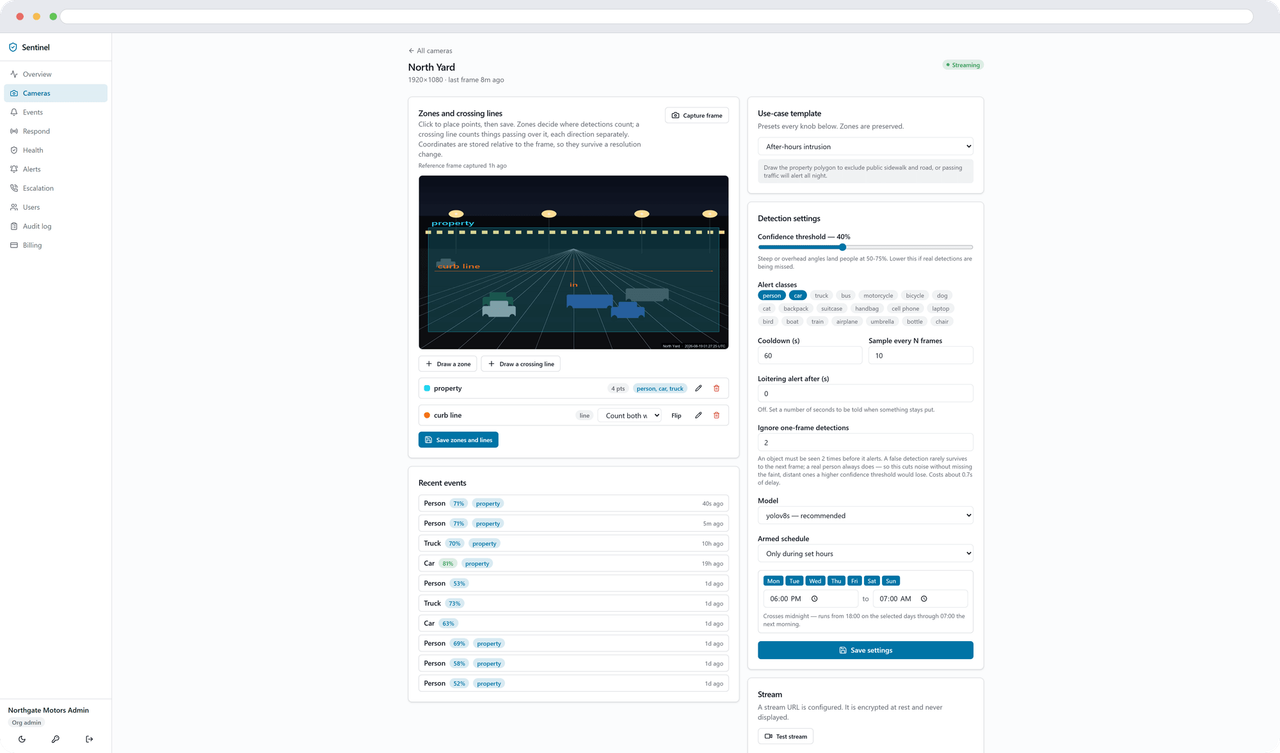
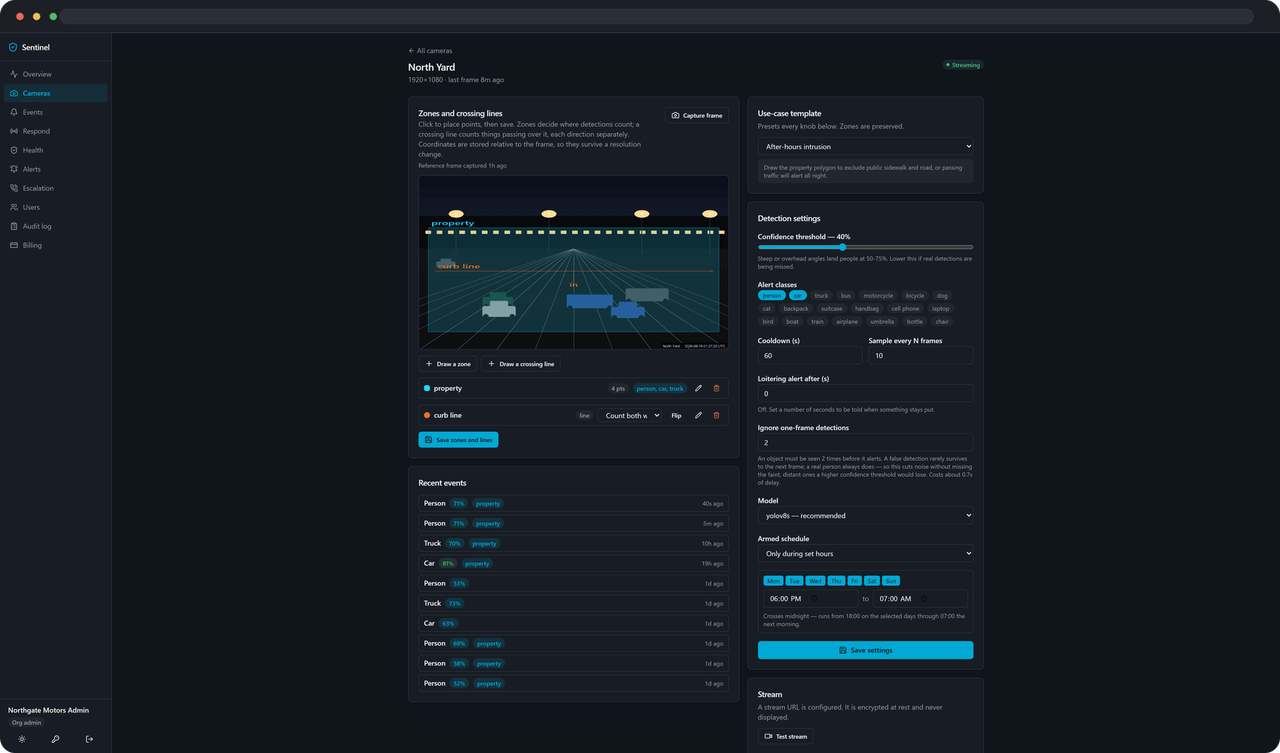
Zones are polygons you draw on a still from the camera. The agent tests the bottom-centre of each box — where the object meets the ground — which is what keeps the public sidewalk from alerting all night.
Crossing lines take two clicks and a name. Walk the wire from start to end as you see it in the picture: something passing left to right is going in. There is a Flip button for when the arrow points the wrong way, and each line can count one direction or both.
Dwell is one number: alert if something stays this long. The clock measures time inside the zone, not time on camera, so a truck that spent ten minutes in the driveway has not been in the dock for ten minutes. Leaving stops the clock; coming back starts a new one.
Armed schedules are evaluated in the site’s own timezone, not the host’s clock, and a window closing stops detections mid-stream. An empty or unparseable schedule means always armed — a misconfiguration that silences a security camera is worse than one that produces extra events.
Confidence is per camera, because a person seen from a steep overhead angle lands at 50–75% and a global threshold would either miss them or drown you. Threshold, zone and schedule edits apply without dropping the stream.
Alerts
One alert per event, with the picture
Each camera tracks objects rather than frames, so the rule is once per object per zone. A parked car is reported once, not every cooldown window until dawn. The second person through the door is reported immediately instead of being swallowed by the first one’s cooldown. Someone walking from the lot into the dock is reported again, because that is the bit worth knowing.
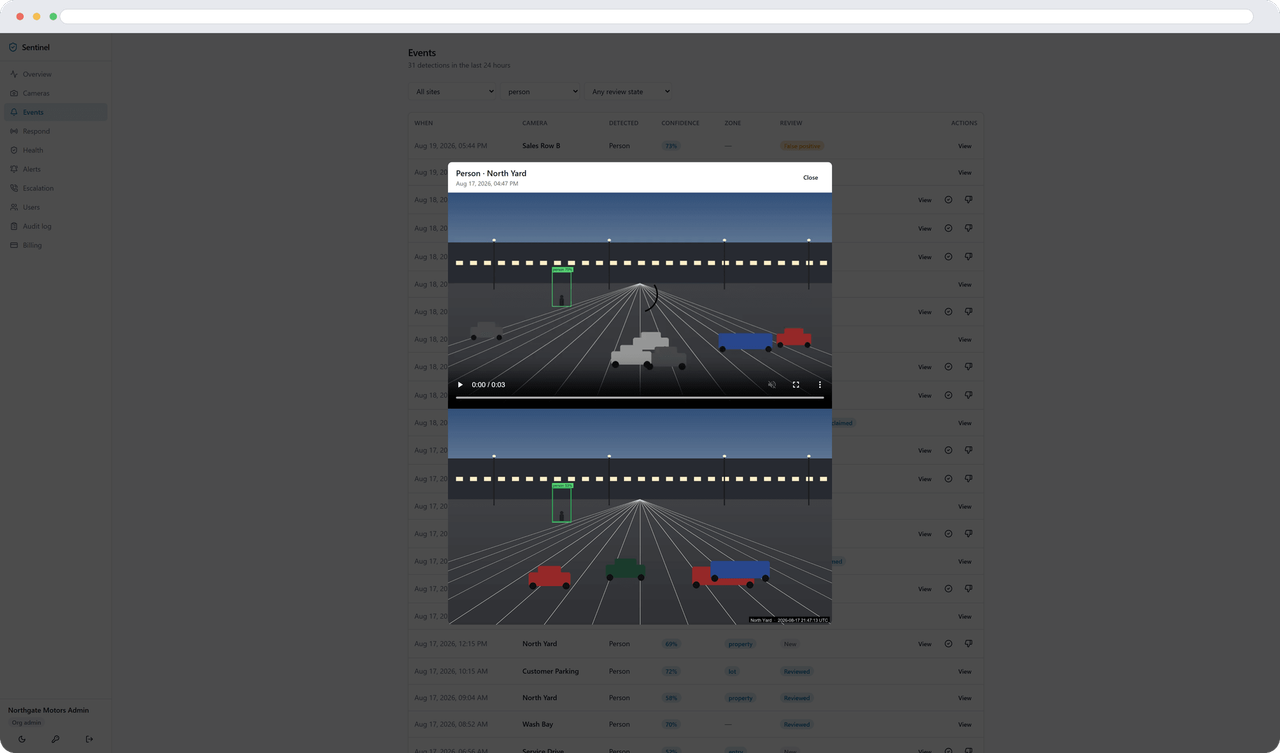
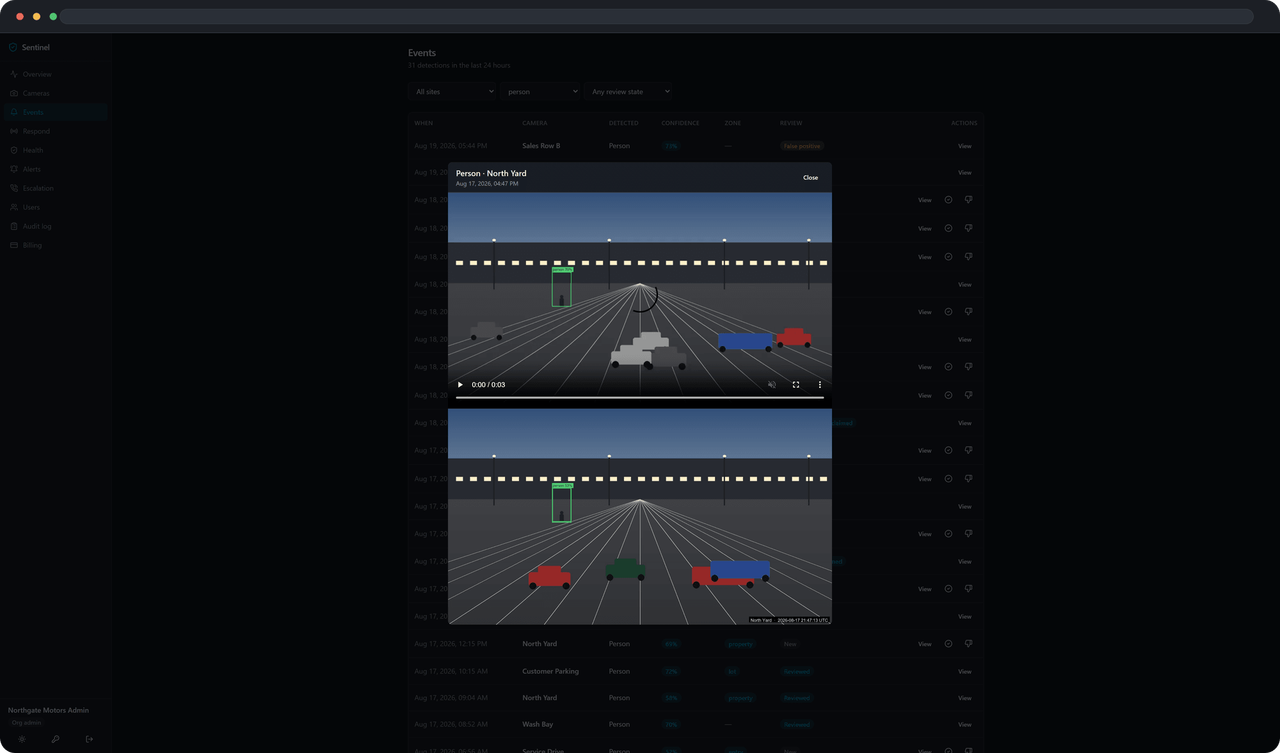
The alert carries the snapshot with the box drawn on it. A short clip — eight seconds before the event and four after — follows a few seconds later, once the agent has the tail of it.
Every alert email carries one-click silence links: 1, 4, 8, 12 or 24 hours, without signing in. A silence is scoped to the rule and the camera, because the complaint is always "this camera keeps pestering me" and muting the whole rule would blind the front door because the garage was busy. The link opens a confirmation page rather than acting on the click — corporate mail scanners fetch the links in delivered mail, and a spam filter must never be able to silence your alerts.
Channels are email and webhooks. There is a morning digest too: one recap a day, in your timezone, of what happened overnight and what is still silenced.
Health
It tells you when it cannot see
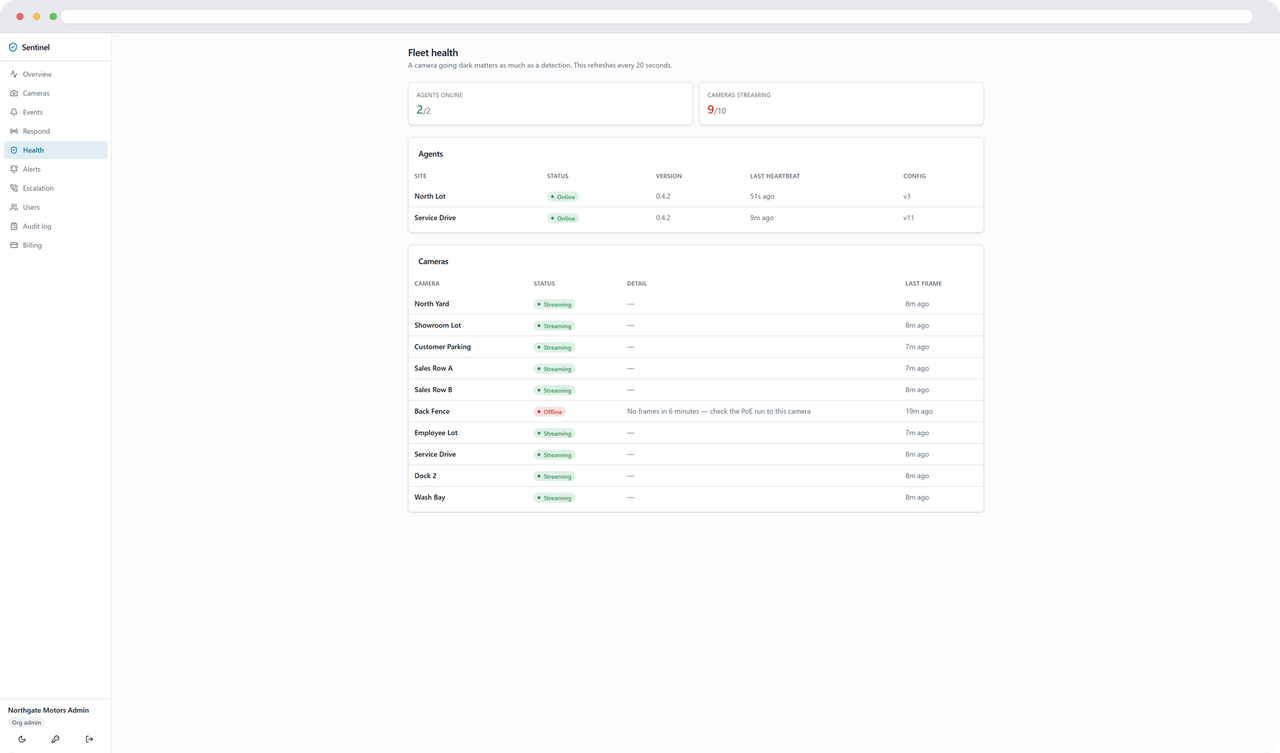
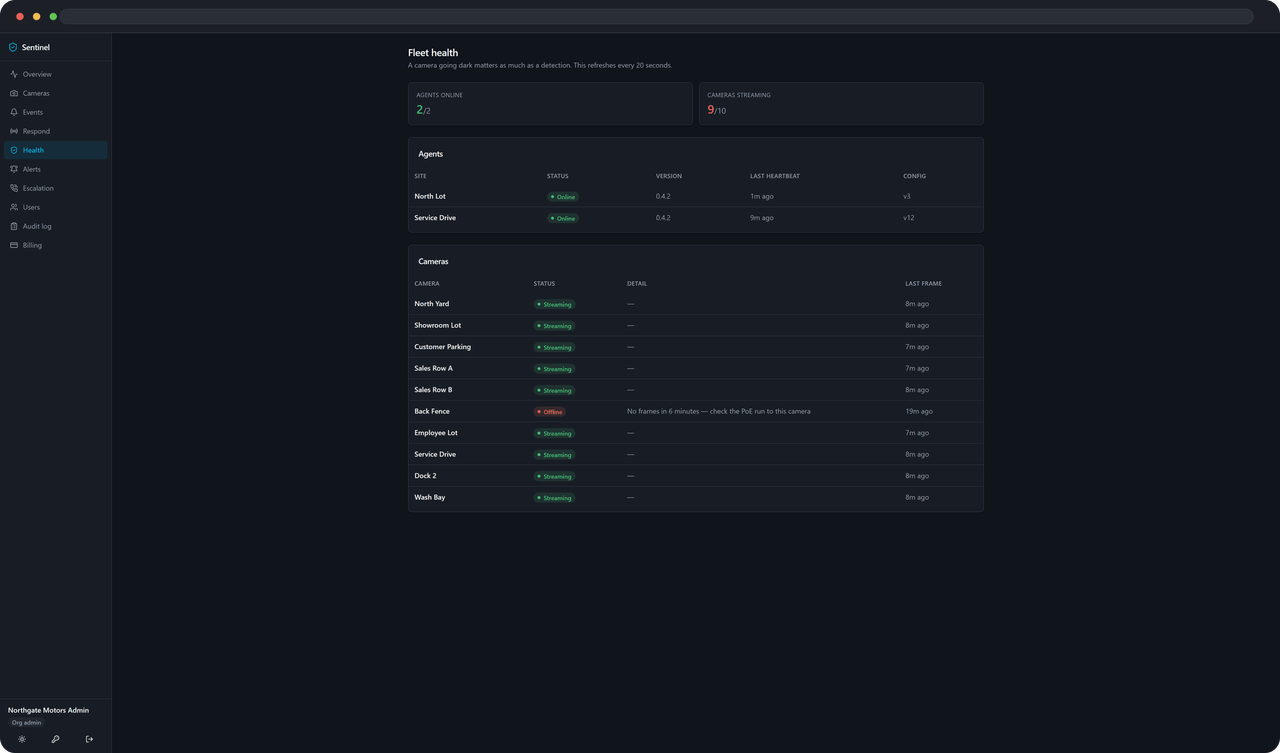
A camera that stops producing frames becomes an event, not a silence. So does an agent that goes quiet — and because that takes every camera at the site with it, the row says so in words: “Agent offline — every camera at Northside is dark.”
Health events sit in the same feed as detections and go through the same alert rules, so "the site went dark at 2am" reaches you the same way a person in the lot does.
Detection health
A page that refuses to flatter itself
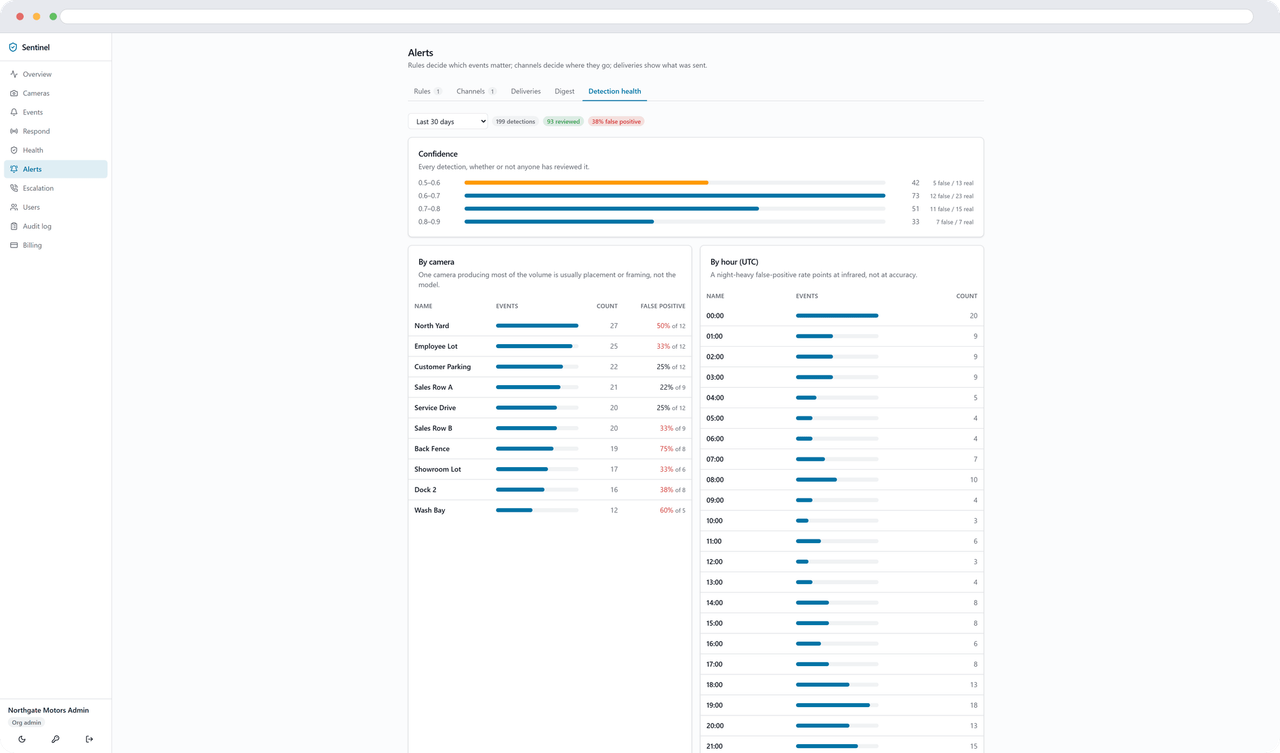
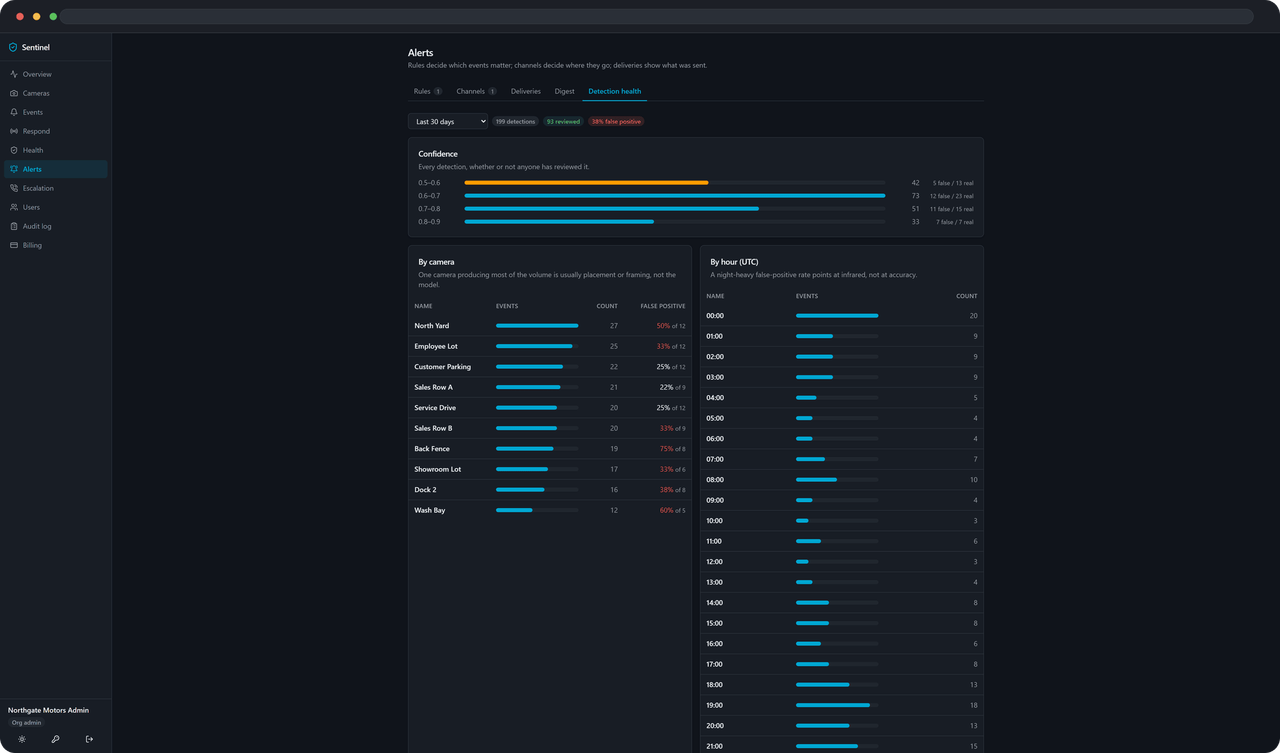
Detection health shows the shape of what your cameras are producing from day one: volume by hour, by camera, by label, and by confidence band. That half needs no input from you.
The accuracy half is different, and this is the part worth reading. Until twenty events have actually been reviewed, the page refuses to draw a false-positive rate at all. It replaces the whole accuracy section with a note saying how many are marked and why that is not enough. A camera nobody has judged reads "not reviewed" — never 0%, because 0% reads as checked, and perfect.
Once there is enough, the threshold sweep says something you can act on: on our own test data, 0.65 cut thirteen of fifteen false positives at no cost to real detections, and 0.70 started costing them. That is the number the page exists to produce.
Respond
Your staff, your queue
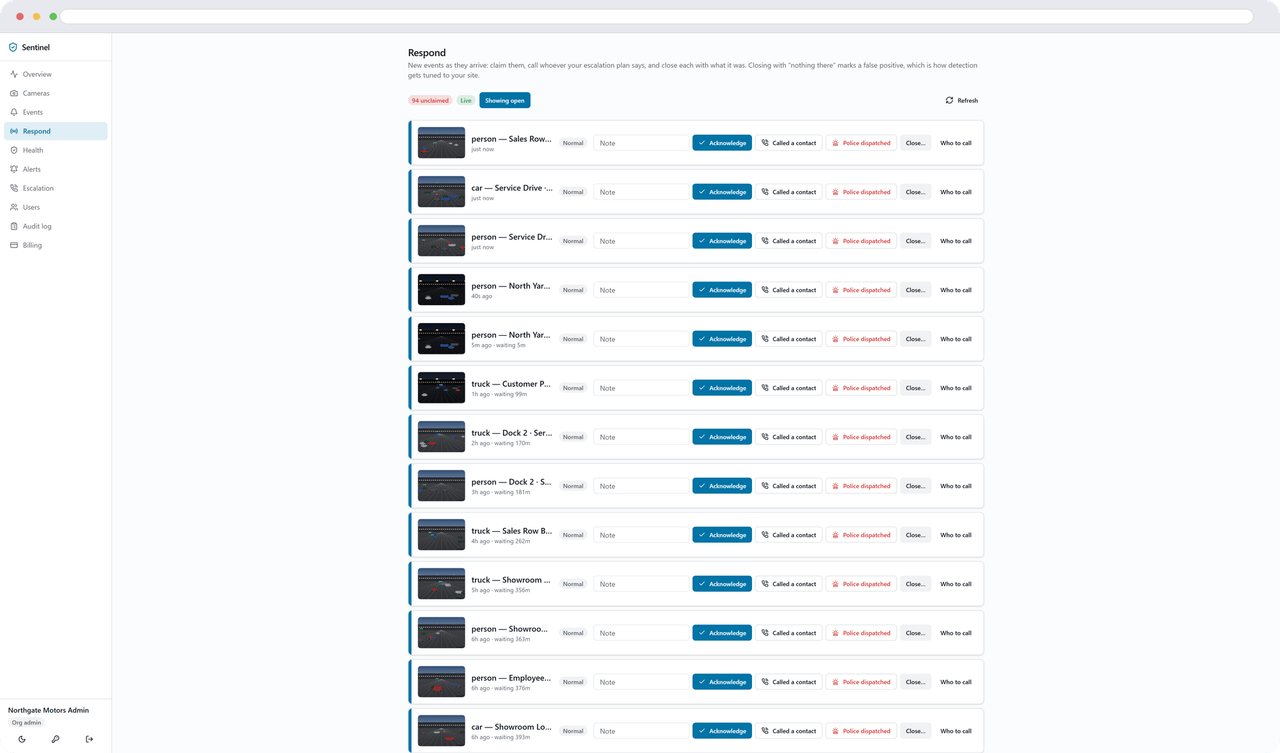
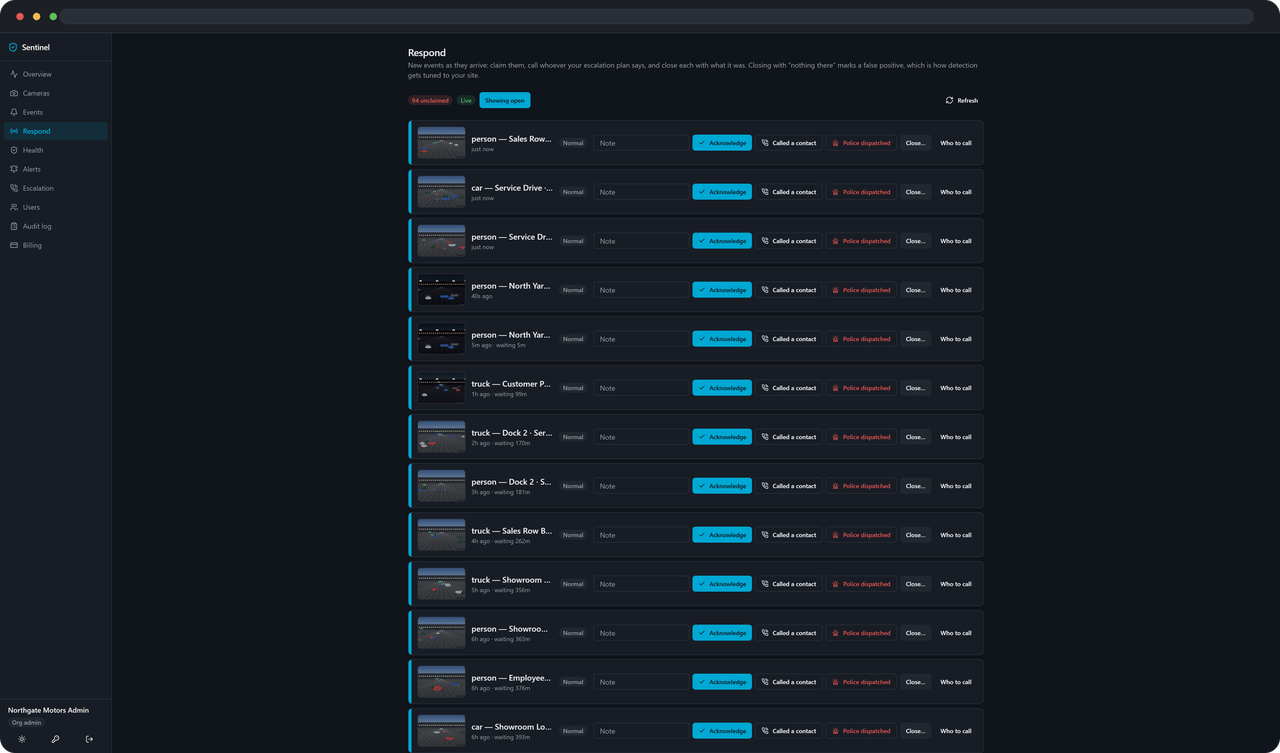
If you have someone at a desk overnight, Respond is the console they work. Events arrive live. They acknowledge one to claim it, add a note, and open Who to call to see your own escalation plan — your contacts, in your order.
Closing an event asks a question rather than just filing it: confirmed threat, nothing there, or unable to verify. "Unable to verify" is a real answer and it is there on purpose — a snapshot too dark to judge is not "nothing there", and calling it that would grade the detector on somebody’s guess.
What you close as nothing feeds detection health. That is the loop this console exists to close: mark what was nothing, and the threshold sweep has something to say about your cameras rather than about cameras in general.
Your cameras, your escalation plan, your triage. Every close is written to the audit log with its finding.
Users, roles and the audit log
Who can see what, and who looked
Footage is a picture of real people, and a security product that cannot say who looked at it is not finished.
Admin
The whole tenant: sites, cameras, users, alert rules, billing. Nothing is hidden from them, and everything they change is in the audit log.
Site manager
Scoped to the sites they are assigned. They configure the cameras at those sites and see those events, and the scoping is enforced in the query layer rather than in the page.
Viewer
Read-only, and can be narrowed further to individual cameras — the guard who should see Building A and nothing else. They see the Respond queue with nothing to press.
Every change is a row: who, what, when, and on which camera or site. Silences are revoked rather than deleted, so the record of who silenced what — and who resumed it — survives.
Opening an event’s snapshot writes an audit row. So does playing its clip, and so does viewing a camera’s reference frame. Those rows are flagged in the log, because they are the ones a reviewer looks for first.
On the wire
What the agent sends, and what it doesn’t
The short version: enough to tell you what happened, and nothing that would let anyone watch your site from a distance.
| It sends | It never sends |
|---|---|
A heartbeat Every 45 seconds by default, so a site that goes quiet is noticed rather than assumed fine. | Continuous video Full-resolution footage is decoded and discarded at the site. There is no upload of a stream, and no recording in the cloud. |
Events What was seen, on which camera, at what time, in which zone, and how confident the model was. | Audio The agent reads video frames. A clip is built from those frames, so it has no audio track to send. |
One snapshot per event Downscaled to 640px wide at the edge before it is sent — tens of kilobytes in practice, and the control plane refuses anything over 2 MB. | Anything from a camera you did not choose A discovered camera sits in the picker until someone ticks it. Until then it is not in the agent’s config, so nothing opens its stream. |
A short clip Eight seconds before the event and four after, assembled from the frames the agent already had. It follows a few seconds behind the alert. You can turn clips off for a site on a weak uplink. | The camera password you give the agent The discovery credentials in the agent’s own settings never leave that machine. A stream URL that embeds a credential is encrypted at rest in the control plane and decrypted in exactly one place. |
Camera and agent status Online, offline, reconnecting — the input for the health page. | |
A thumbnail of a discovered camera One small still per camera it finds, so you can pick the ones you want off a picture instead of off an IP address. Capped at 150 KB. |
What you need
Three things, and you have two of them
1 box
A small always-on Windows or Linux machine
On the same network as the cameras. A CPU works; an NVIDIA GPU is faster and the agent picks it up by itself.
443 out
Outbound HTTPS, and nothing else
One destination. No inbound port, no VPN, no firewall rule to open.
720p
A substream from each camera
Roughly 1280×720 at 10–15fps. Optional, but it is a quarter of the decode cost and detects exactly the same.
Fourteen-day trial. Prices and camera counts are on the pricing page.