Use cases
Where Sentinel earns its place.
Every section below is a template that actually ships today — the classes it looks for, the hours it's armed, and the zone you draw before it's useful. No template is a promise of a feature it doesn't have; where one falls short, we say so.
After-hours intrusion
A lot that should be empty, at night.
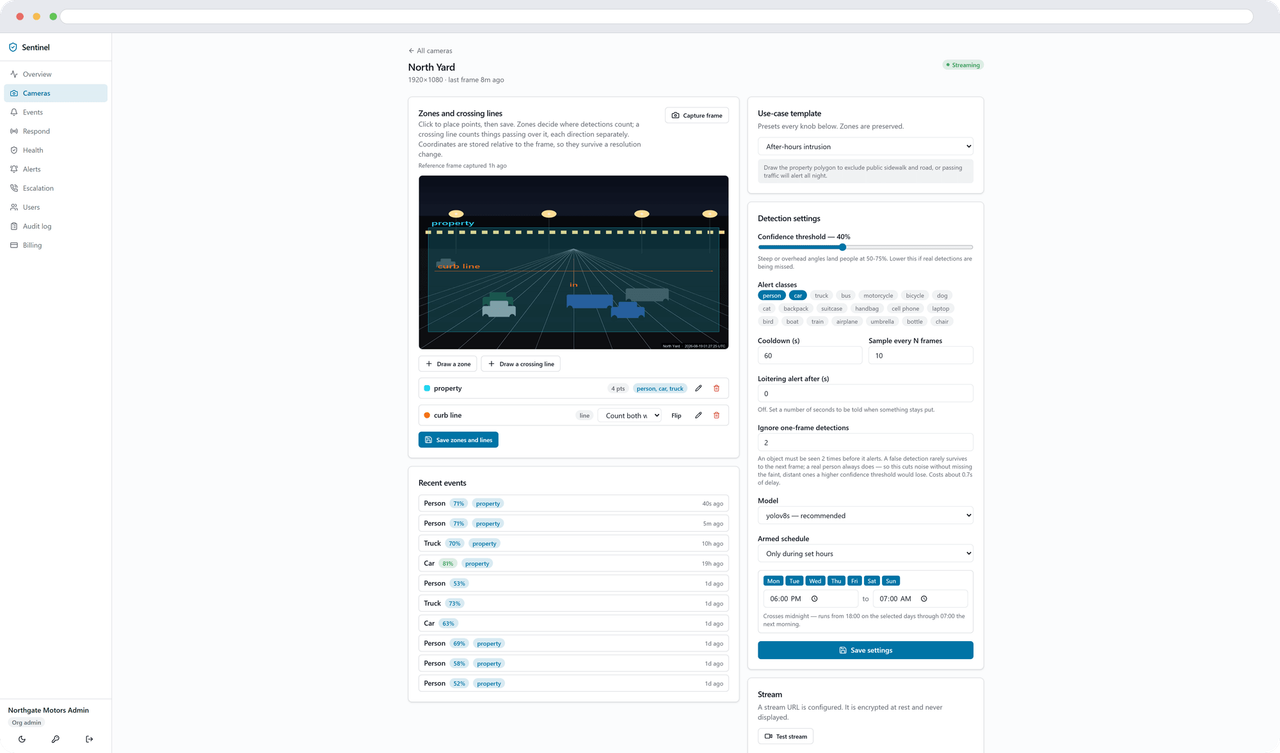
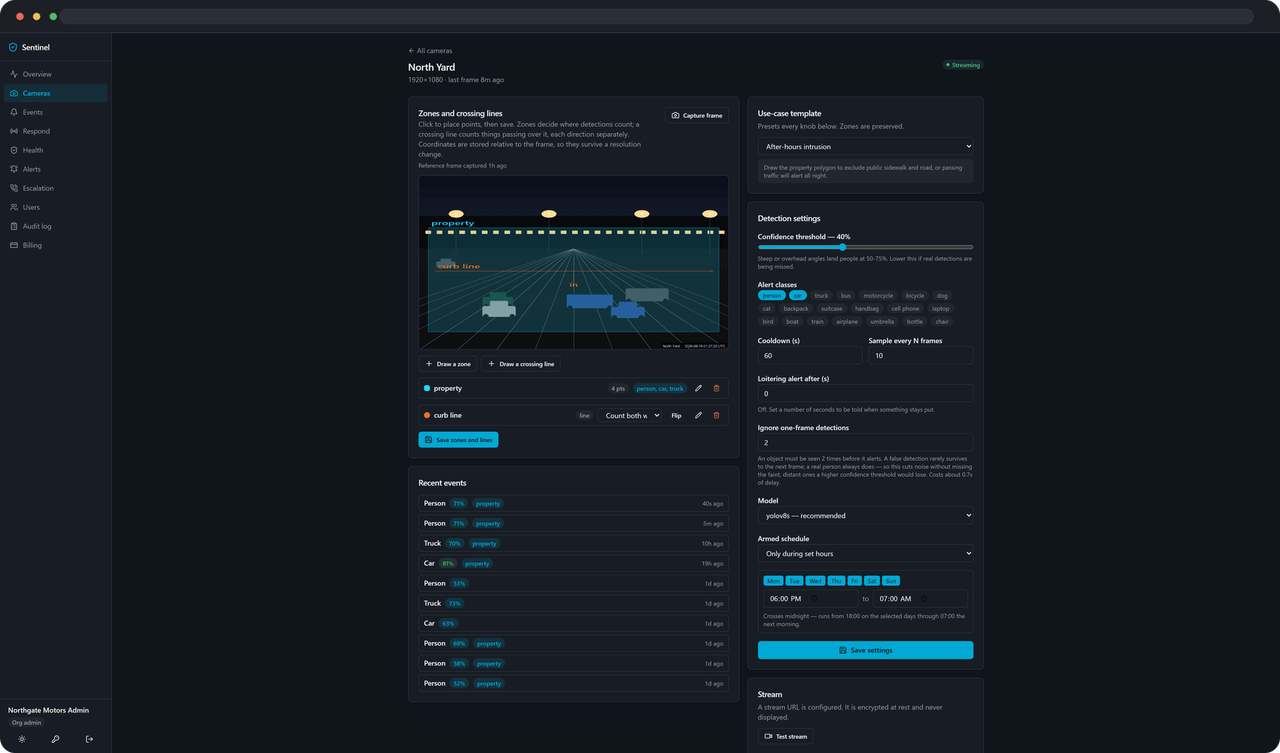
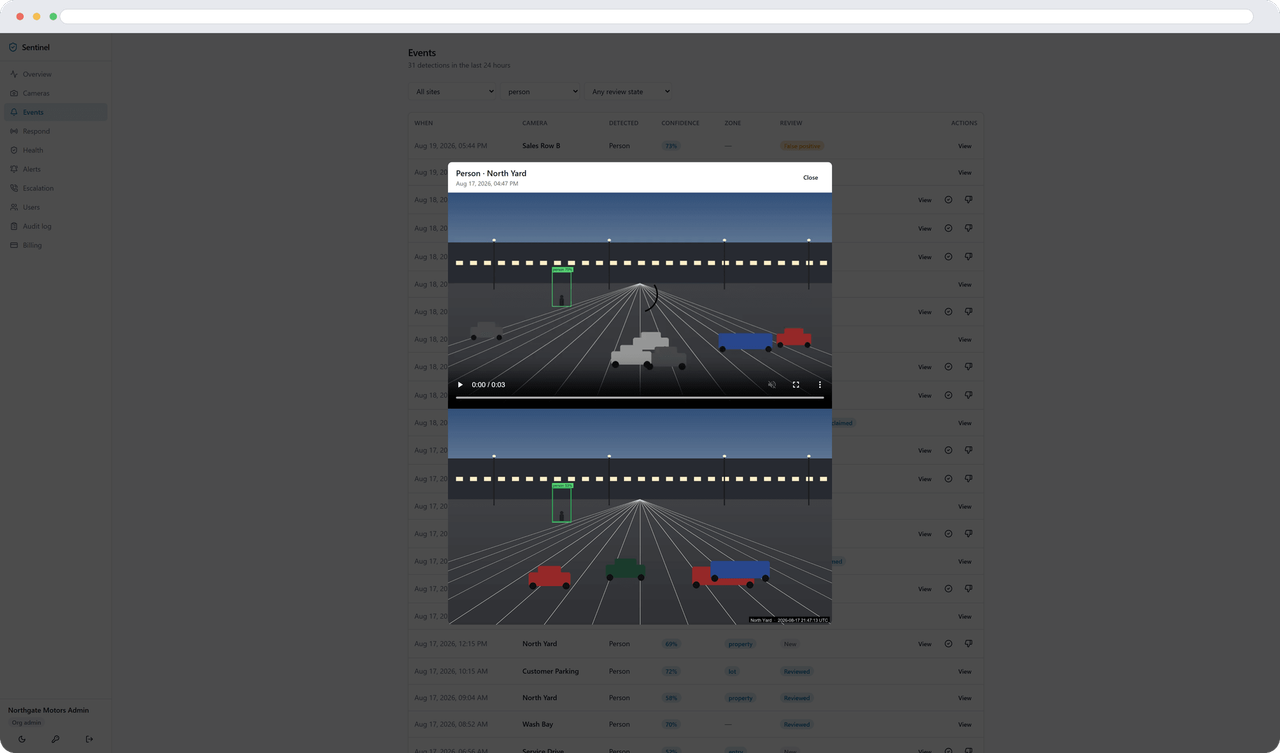
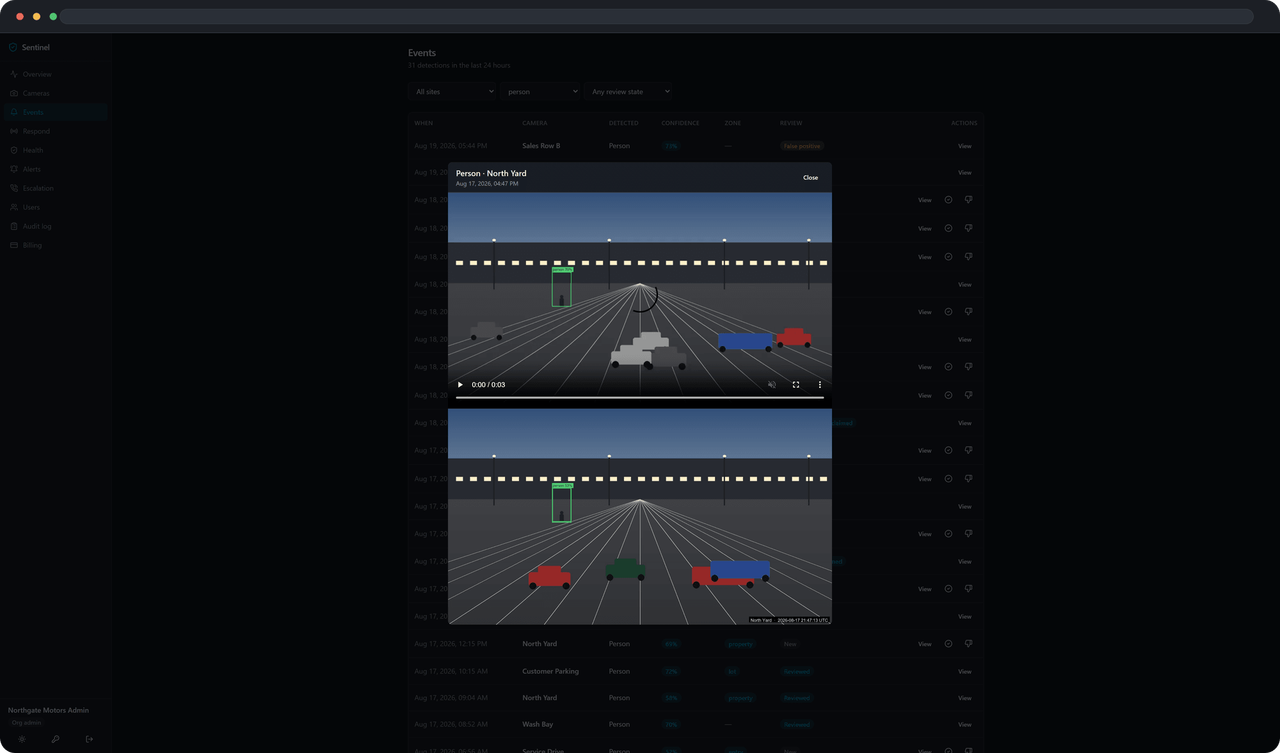
It's 11:40pm. A car dealership's back lot, lights off for the night. Someone climbs the fence by the row of trucks near the property line. The lot camera sees a person, inside the zone you drew, outside business hours. One alert, with the picture, to the two phones you chose.
- Template: After-hours intrusion — for car lots, equipment yards, and contractor yards.
- Watches for: people and vehicles.
- Armed: every night, 6pm to 7am, all week.
- Zone: a property polygon you draw, excluding the public sidewalk and street — without it, passing traffic alerts all night.
- Tuned to: catch it, not to stay quiet. Nobody should be on the property at all, so the threshold leans toward alerting and lets you dismiss a false one.
Service drive & loading dock
A truck that's been at the dock too long.
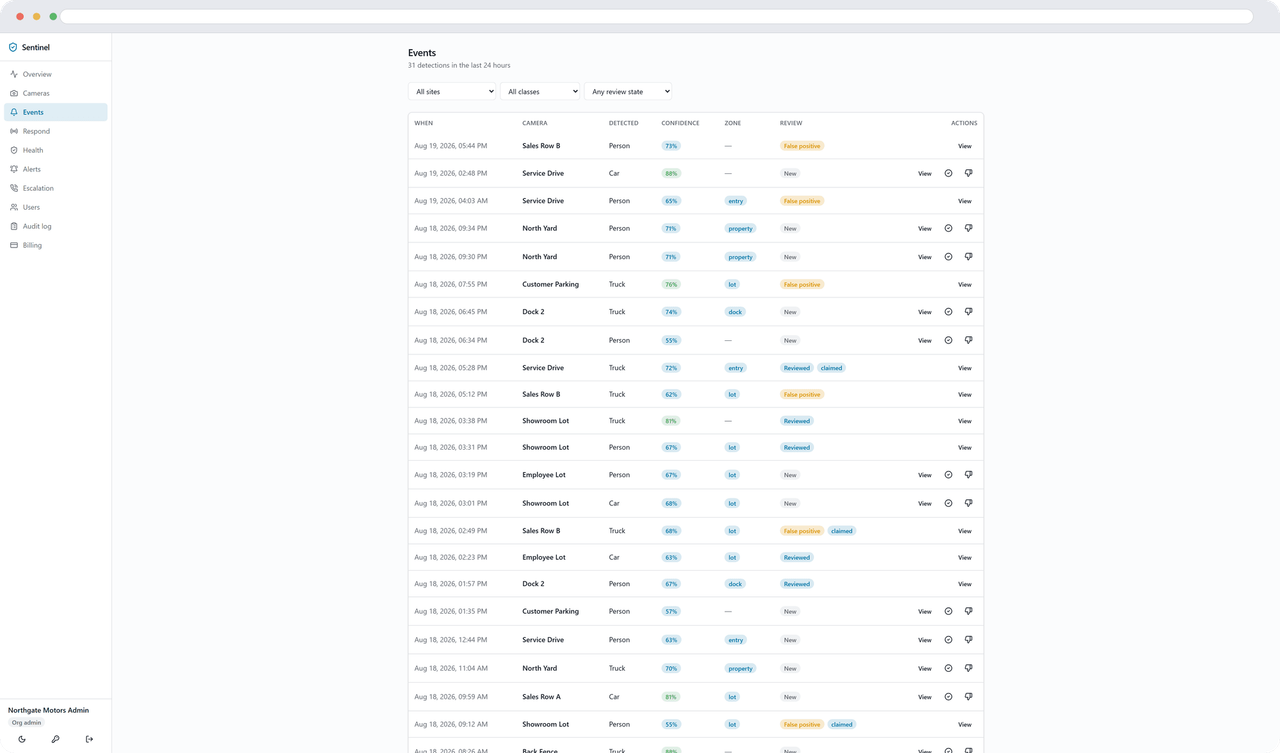
It's 2pm on a Tuesday. A delivery truck backs into Dock 2. Ten minutes of unloading is normal; twenty is not. Three minutes past the threshold you set, the dock camera raises a second alert — the truck is still there — separate from the first one that told you it arrived.
- Template: Loading dock — 24/7 dock and service-drive coverage.
- Watches for: people and trucks.
- Armed: always.
- Zone: the dock itself.
- Dwell alert: fires after 3 minutes in the dock zone — raise it if normal loading runs longer at your dock. Arrival and dwell are two separate alerts: one when someone shows up, another if they're still there.
Parking lot
Who's actually in the lot, and who just drove through.
A retail lot, midday. Most of what the camera sees is normal — cars parking, customers walking in. What's worth a second look is a car that's been sitting in the same spot for five minutes with someone still inside, or knowing how many cars entered through the side gate versus the front.
- Template: Parking lot — loitering detection across a lot, 24/7.
- Watches for: cars, trucks, and people.
- Zone: the lot. Tracking stays on so a parked car is counted once, not re-alerted every time it flickers between frames.
- Dwell alert: after 5 minutes in the lot zone.
- Add a crossing line at an entrance or gate and Sentinel counts vehicles by direction — in and out separately — the same feature the retail-entrance template uses for foot traffic. It's a general camera setting, not part of this template, so you can add it to any camera that has a countable line to draw.
Self-storage
Gates and drive aisles, after hours.
A self-storage facility closes its office at 6pm, but the gate and the drive aisles between units don't stop being worth watching. Someone at a unit door at 1am, or a car working its way down every row instead of pulling up to one — that's the after-hours intrusion template, pointed at your drive aisles, with a crossing line at the gate to count who comes and goes.
Retail entrance
Who came through the door, during business hours.
A customer entrance, 9am to 6pm. The camera watches the doorway and a crossing line on the threshold splits the count: entries on one side, exits on the other. It's foot-traffic counting, not recognition — Sentinel doesn't know who anyone is, only that someone crossed the line and which direction they were going.
- Template: Retail entrance — foot-traffic counting at a customer entrance during business hours.
- Watches for: people.
- Armed: weekdays, 8am–6pm by default — adjust to your actual hours.
- Zone: across the doorway, plus a crossing line on the threshold so entries and exits count separately.
Delivery watch
People at the door, during delivery hours.
A porch or front-door camera, 7am to 8pm. Every time someone stands at the door during that window, it's an event in your feed — a driver, a visitor, anyone. That's what this template does.
Not a fit?
Three reasons Sentinel might not be for you.
The agent pulls a local stream from a camera. A camera that only offers a vendor cloud API — no RTSP, no ONVIF — has nothing local to connect to.
The agent needs to run on a machine at the site that can reach your cameras and reach the internet outbound. A site with no computer to run it, and no local network the cameras sit on, has nowhere to put it.
What the agent needs to runSentinel is software you use to watch your own cameras with better tools. If what you want is someone else watching your property and calling you when something happens, that's a different kind of business than this one.
See it against your own cameras.
14-day trial. Card required. Cancel anytime.