Get started
One sitting to your first alert.
We set your account up — usually the same day you ask — and from there it is about twenty minutes to a real alert from your own camera. Larger sites, we do the whole thing with you.
Set up with us
One sitting, on a call
Self-serve signup opens shortly, so we set your account up by hand — usually the same day you ask. From there it is your installer, your cameras, and a real alert from one of them before we hang up. About twenty minutes.
We create your account
Your name, email, and a password.
Pick a plan
Card required, nothing charged for 14 days.
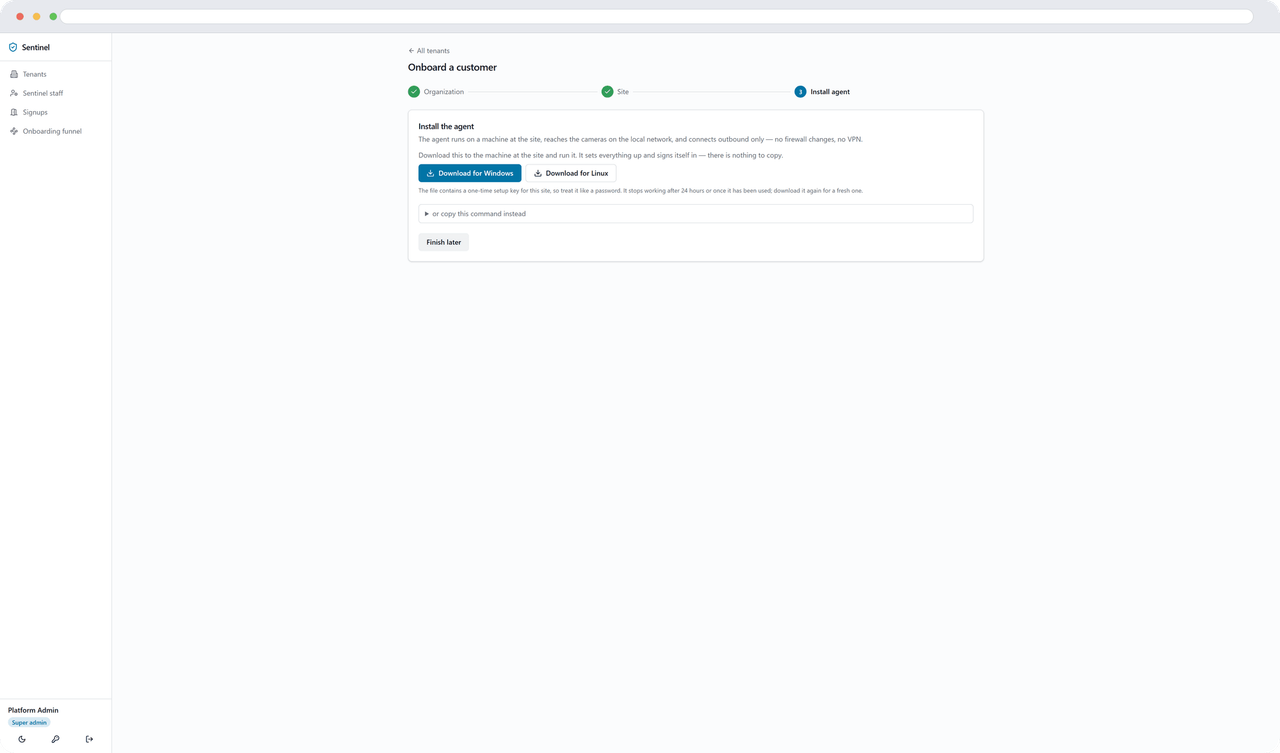
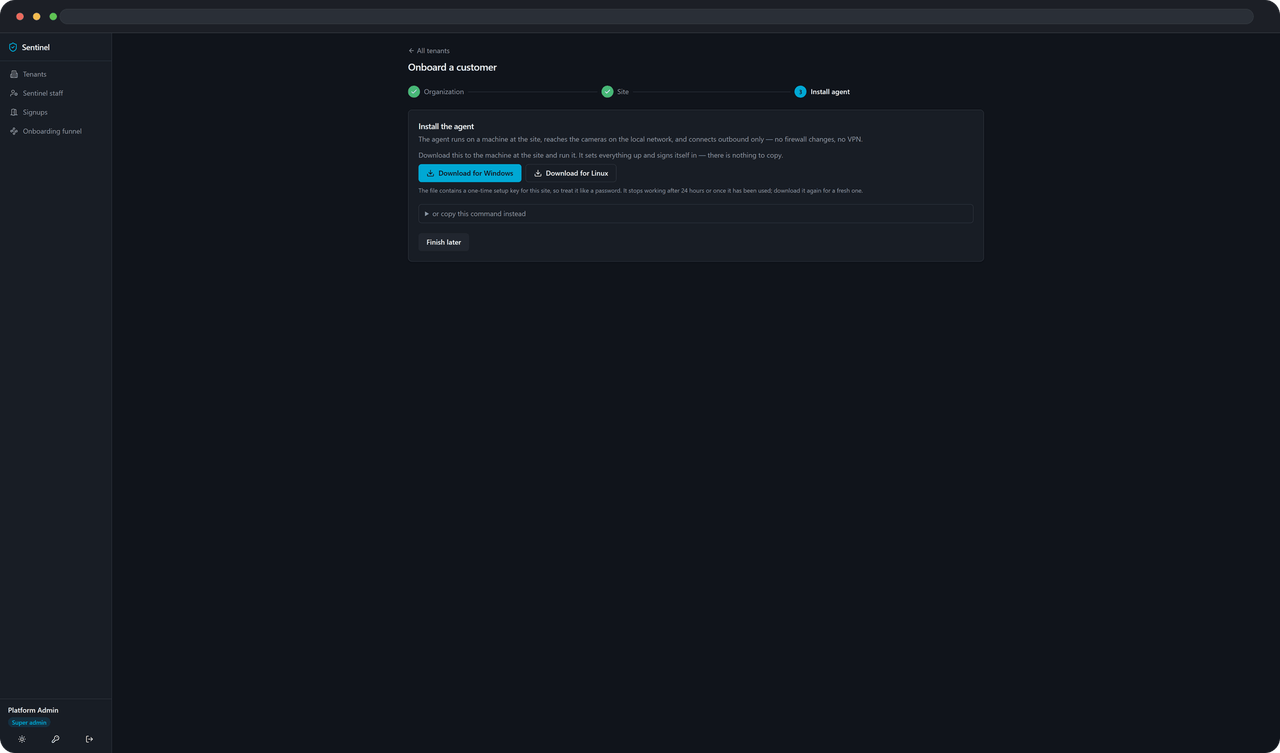
Download and run the installer
One file, with your enrolment token already inside it — nothing to copy, no terminal.
Choose your cameras
The installer finds what's on the network. Tick the cameras you want Sentinel watching and name them off the picture.
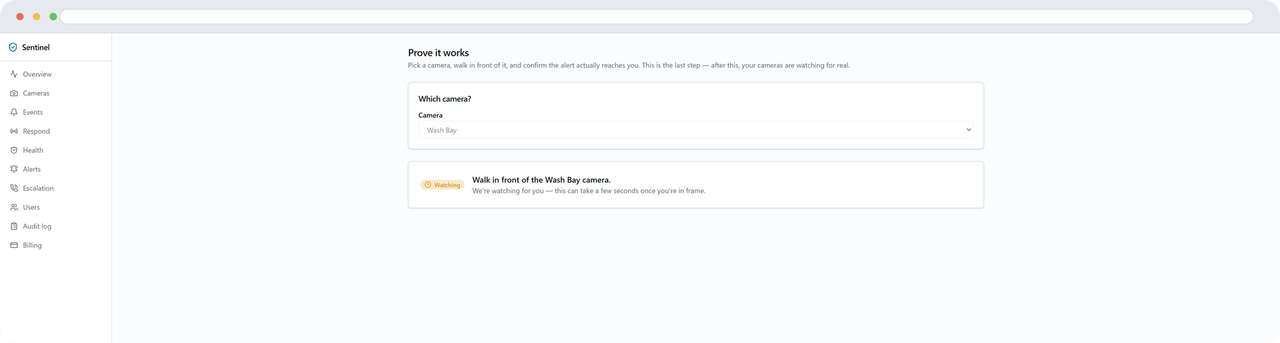
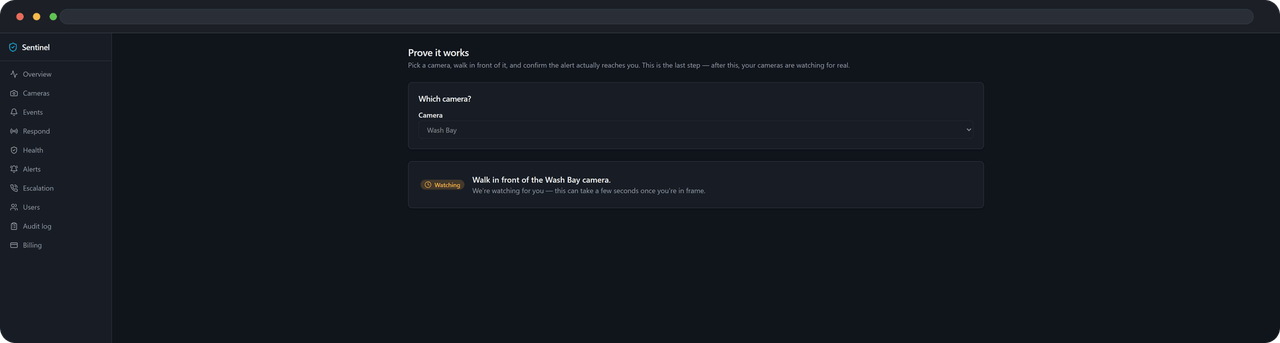
Walk in front of one, and get the alert
Sentinel arms it, waits for you to walk into frame, and sends the alert to your phone — the whole point, working, before you stand up.
Talk to us
Have us set it up
More than 100 cameras, several sites, or you'd just rather do this on a call. The installer works the same either way — on Windows or Linux — and we're happy to walk your IT person through the one-sentence approval it needs: outbound HTTPS only, nothing inbound.
What you'll need
- A small always-on computer on the same network as your cameras — a spare PC or a small box works
- Your camera username and password, or your UniFi Protect API key
- One sitting — no appointment, no site visit